
Menu scanner
that shows you
every dish.
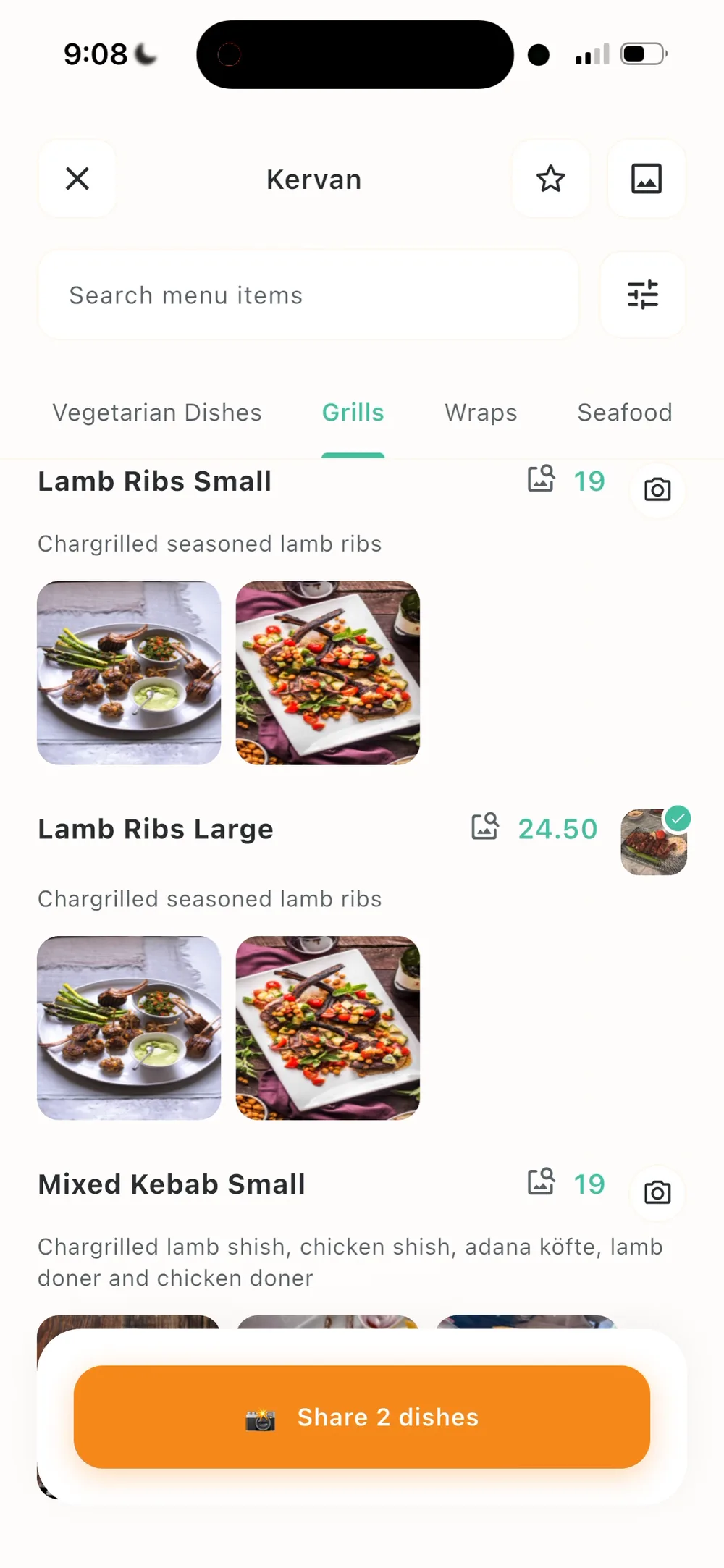
See it before you order it. Snap any restaurant menu and Pic My Plate instantly shows you photos of every dish, so you know exactly what you are ordering.
- Free to download
- Works with any printed menu
How it works
Three taps from menu to meal.
- 1
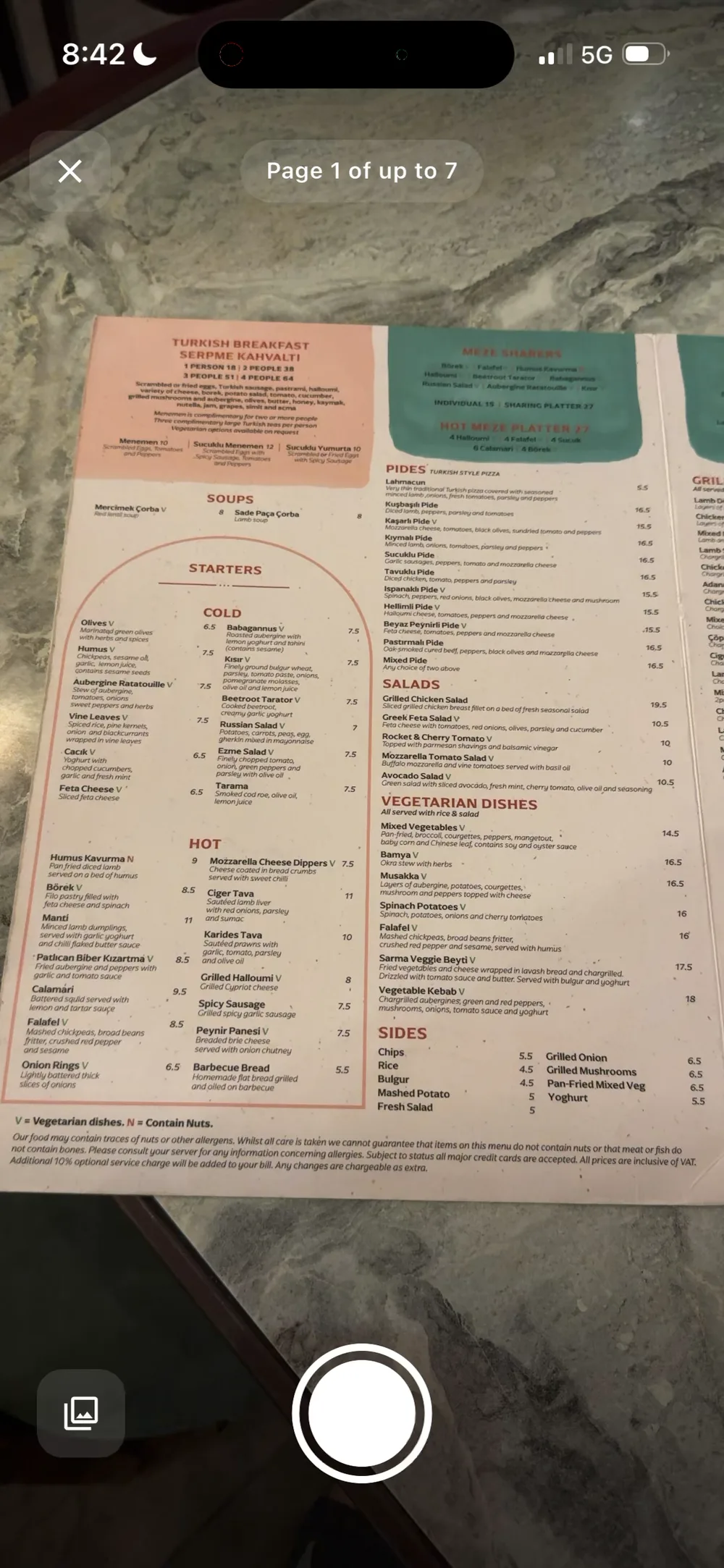
Snap the menu
Point your camera at any printed menu. Multi-page menus work too.
- 2
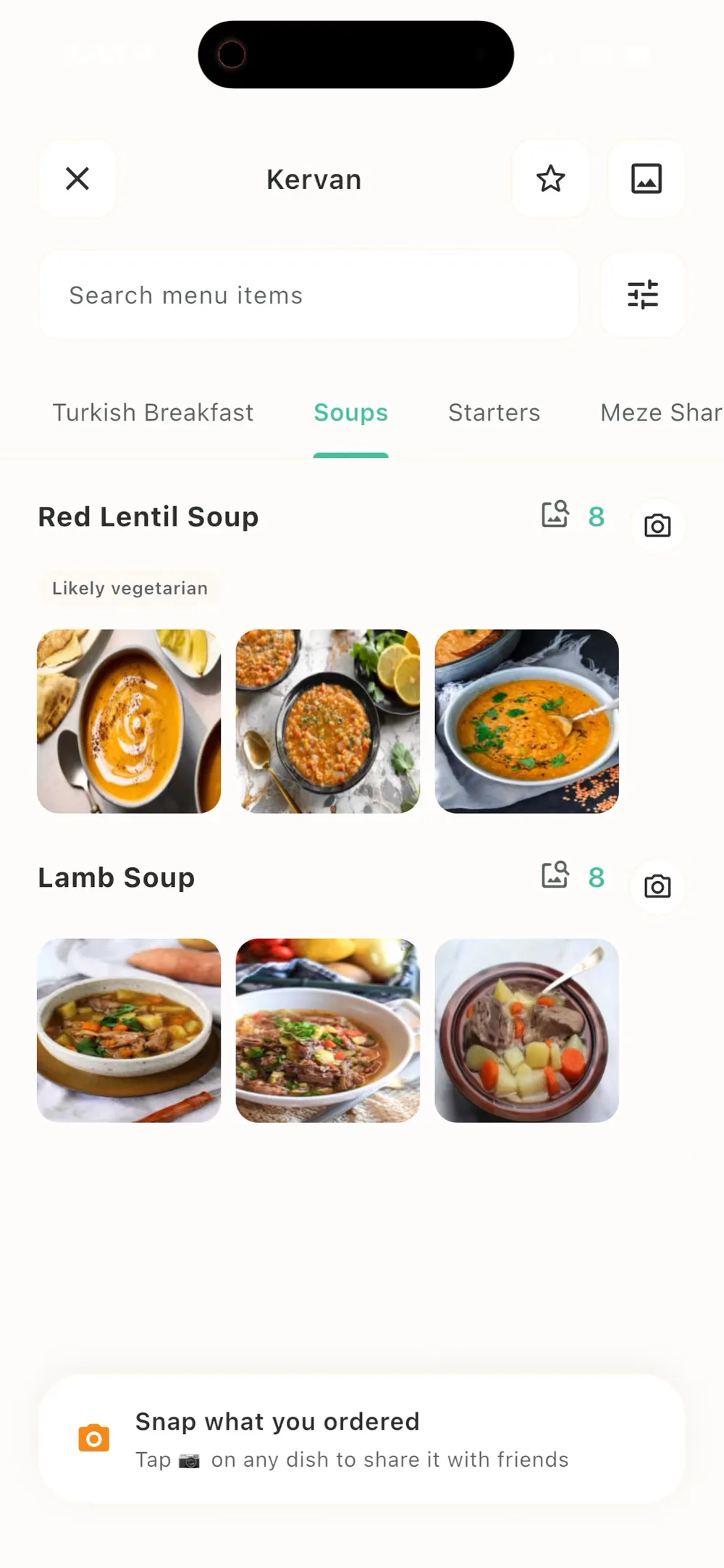
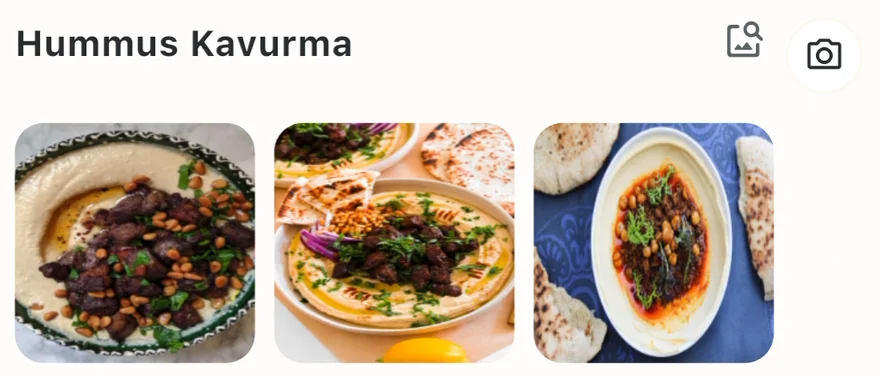
See every dish
The menu is read in seconds and every dish gets real food photos.
- 3
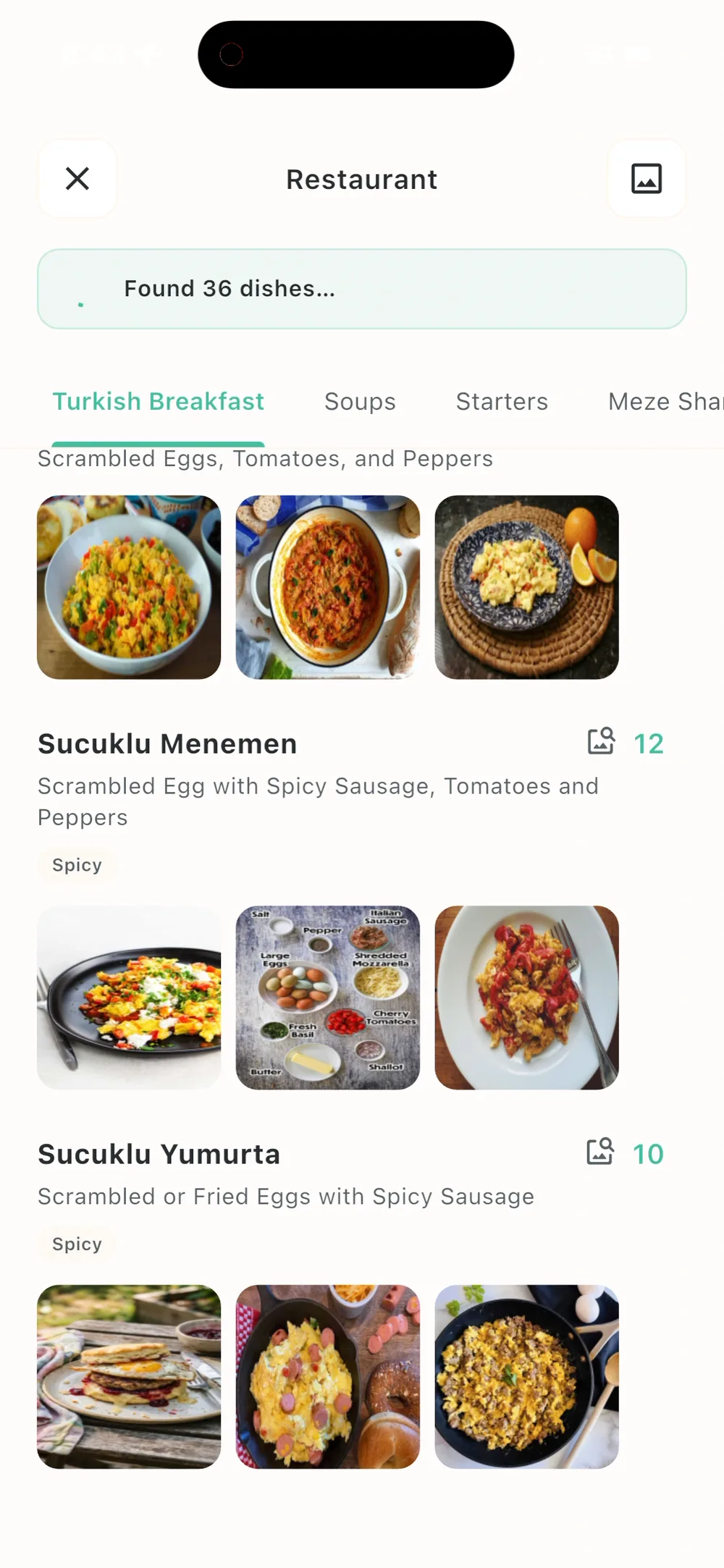
Order & share
Order with confidence, then snap what arrived and share it with friends.
Why Pic My Plate
Every menu, with pictures.
Scanning a menu is just the start. Narrow any menu down to what you can eat, find where to go next, remember the places you loved, and see what your friends ordered.
Not at a restaurant? Browse restaurant menus with photos already scanned by the community.
Filter by what you eat
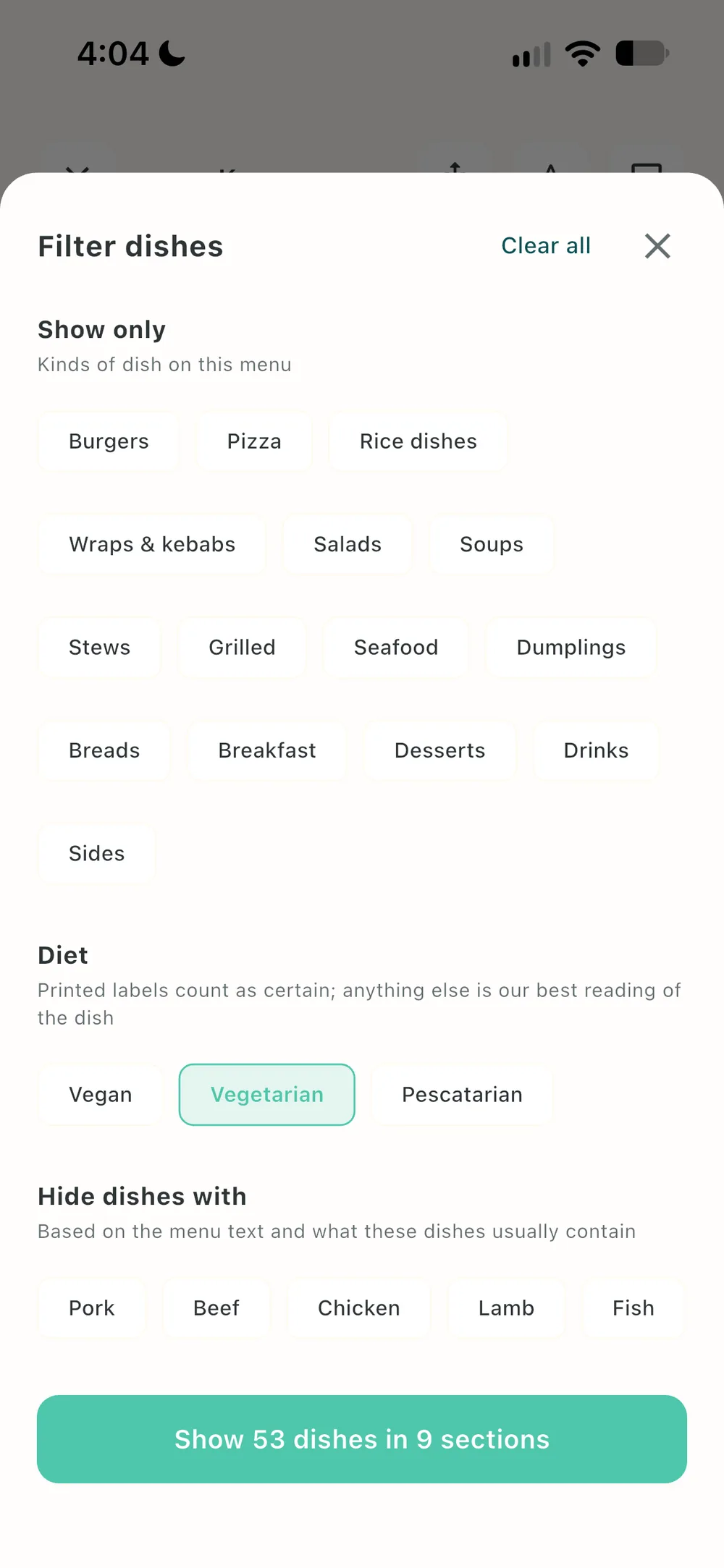
Vegan, vegetarian or pescatarian? Hide anything with pork, beef or fish, or show only the kinds of dish you feel like. The menu shrinks to what suits you.
Discover new spots
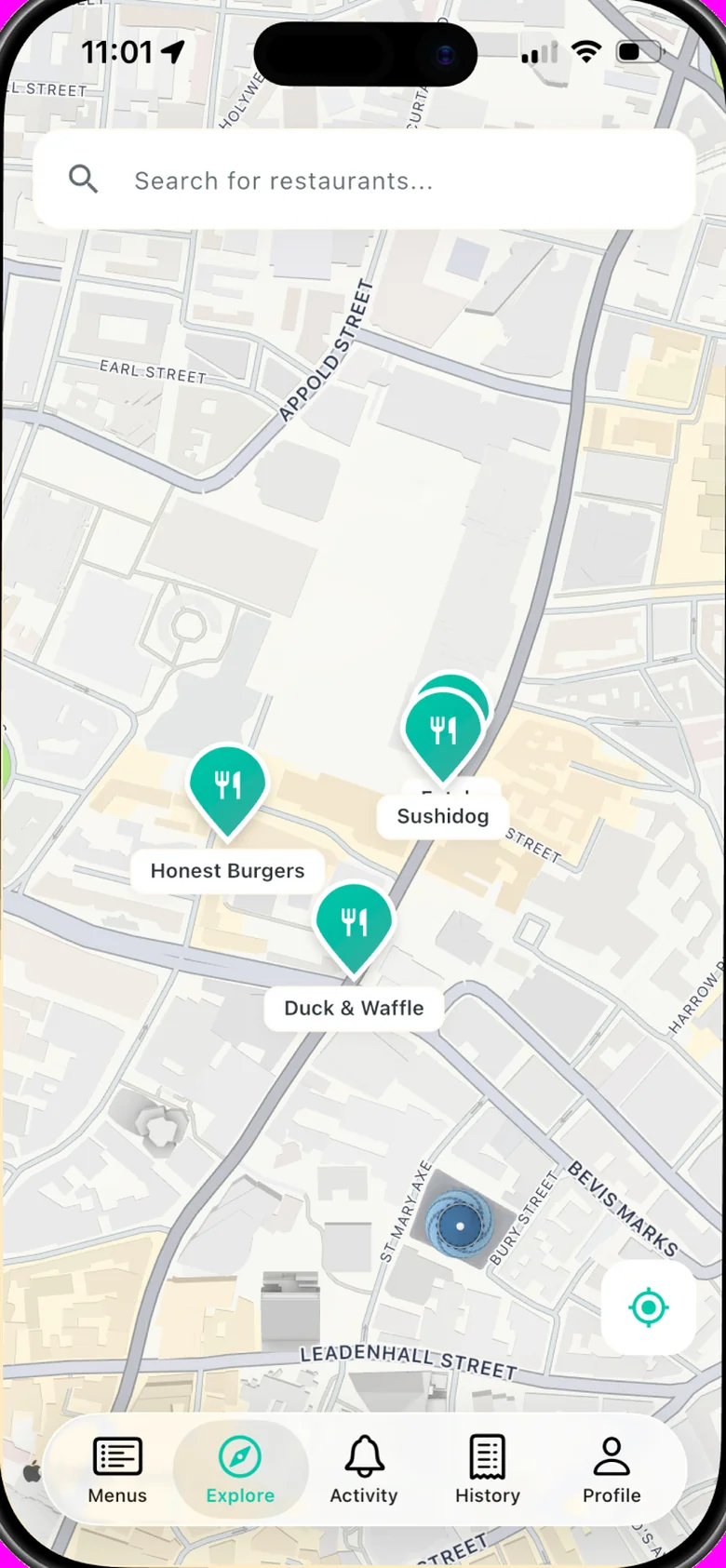
See where the Pic My Plate community is eating near you, and open any restaurant’s visual menu before you even walk in.
Rate restaurants
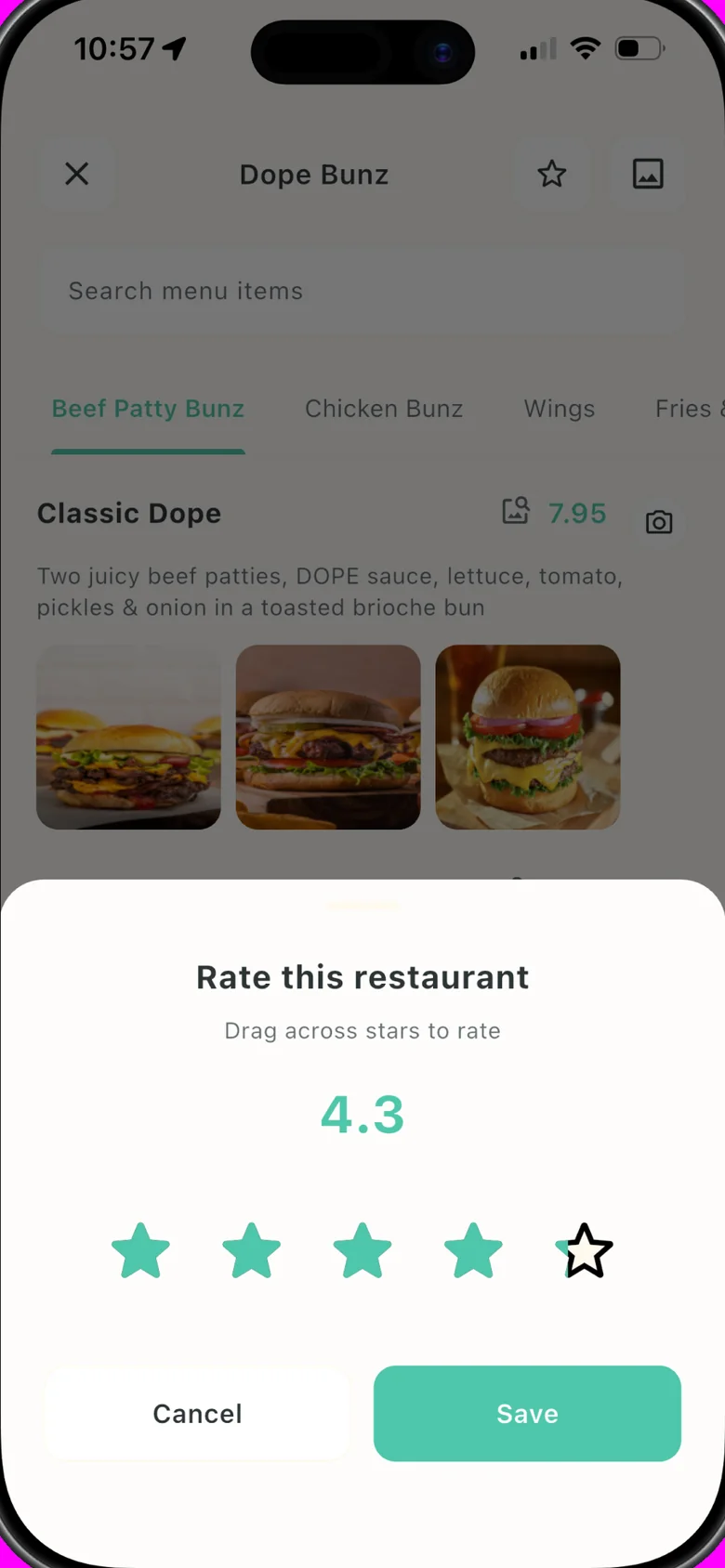
Rate your favourite restaurants for friends to see, and find out which places they loved.
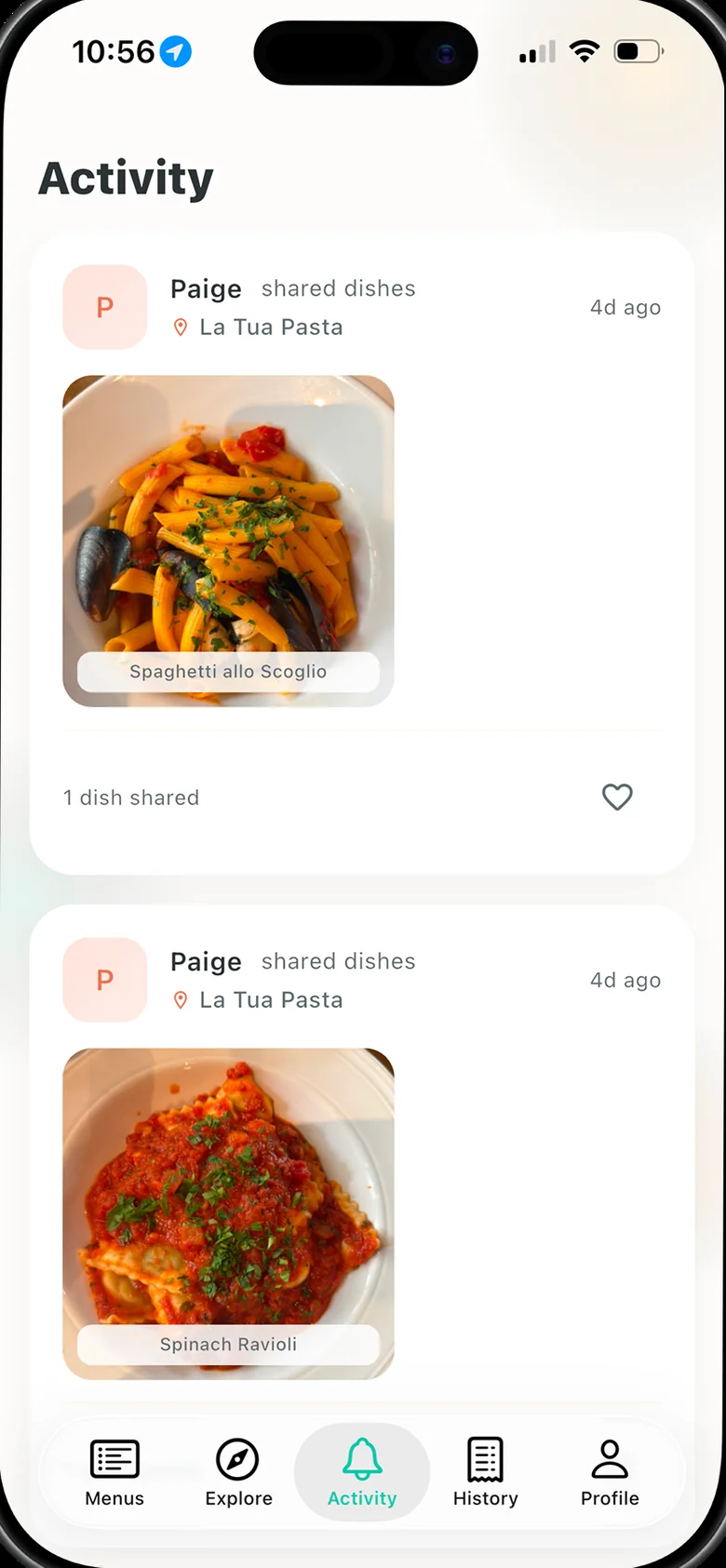
Discover together
See where your friends are eating and what they ordered. Share your own dishes straight from the menu.
FAQ
Good questions.
Is Pic My Plate free?
Yes. The app is free to download and comes with a number of free menu scans. Pic My Plate Pro is an optional subscription that unlocks unlimited scans and your full scan history.
Which menus does it work with?
Any printed menu: paper, laminated, boards, or a menu photo already in your gallery. You can scan up to seven pages in one go and get a single visual menu, organised by section.
Where do the dish photos come from?
Each dish is first matched with real food photos from the web. When diners snap what they ordered at that restaurant, their photos are added too, so the menu gets more accurate over time.
Do I need to be at the restaurant?
No. Scan a menu from a photo, or open a restaurant in Explore to browse a visual menu the community has already scanned.
What happens to the photos I take?
Photos of your dishes are attached to that dish on the restaurant’s menu. You choose when to share them with friends; nothing is posted to your feed until you tap share. You can delete your account and data at any time from the app.
Is there an Android version?
Not yet. Pic My Plate is on the App Store today and Android is coming soon.
What if a dish is read incorrectly?
Menus with unusual layouts can occasionally trip the reader. Retake the page in better light, or scan pages one at a time. If a dish still looks wrong, tell us through the Support page and we will fix it.
Never order blind again.
Free on the App Store. Pro unlocks unlimited scans and your full history.